
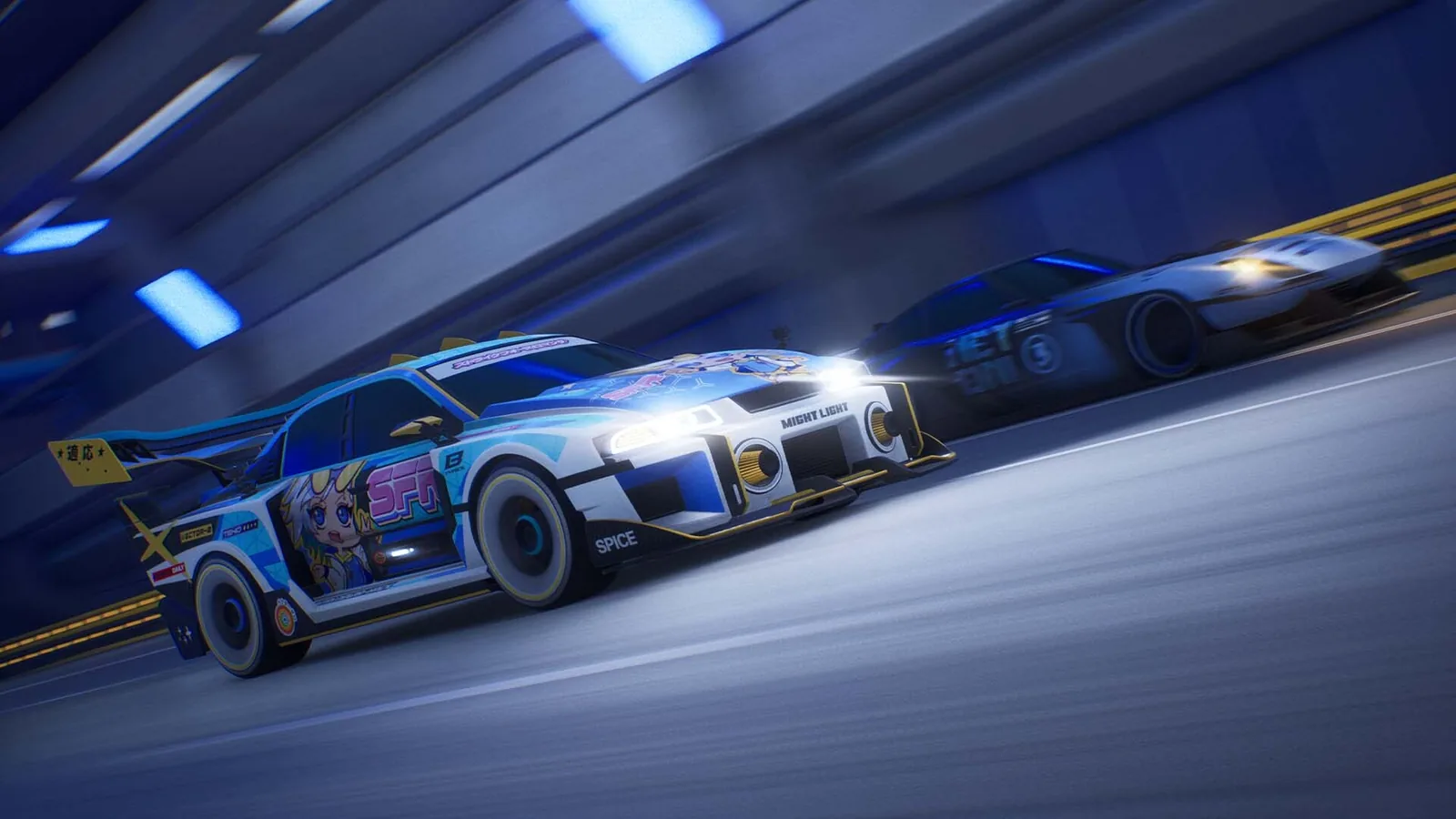
Control options at a glance
| Input | Support | Status |
|---|---|---|
| Xbox / XInput controller | Native | 2 sources |
| DualShock 4 / DualSense / DualSense Edge (PC) | Via Steam Input on Steam; not supported on the Microsoft Store build | 1 source (PCGamingWiki) |
| Switch Pro and other pads (PC) | Via Steam Input | 1 source (PCGamingWiki) |
| Keyboard + mouse | Supported, full remapping | 2 sources |
| Steering wheels | Official since 3 Jun 2026; force-feedback fix 31 Aug 2026 | 2 sources |
| Single Stick mode | Added 7 Oct 2026, all modes | 2 sources |
| One-handed mode | Yes | 2 sources |
Twin Stick vs Single Stick
In the default Twin Stick layout the left stick steers and the right stick drifts. Milestone designed the Echo combat around it and still calls it “the recommended way to enjoy the game at its fullest”. Single Stick, added on 7 October 2026, combines steer and drift on one stick for players who find twin-stick unnatural. You switch between them in the options menu outside a race; it works in every mode.
Our advice: give Twin Stick two or three sessions, because the precision pays off in Time Attack and online. If it still fights you, Single Stick is a legitimate choice, not a handicap.
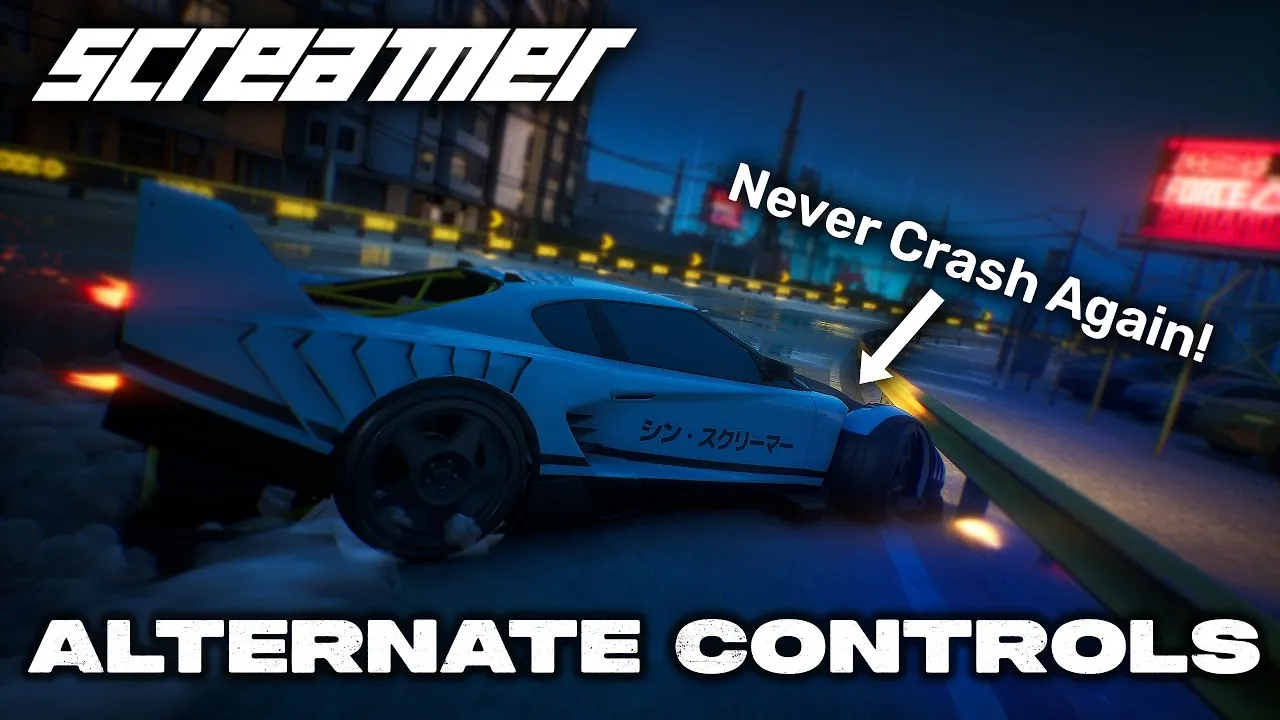
Can you play Screamer on keyboard?
Yes. Keyboard and mouse are supported with full key remapping and mouse menus. The catch is that drifting on the right stick is an analogue input, and keys are on/off, so drift angle is harder to control. Two approaches make sense:
- Single Stick mode — steering and drifting share one input, which suits on/off keys better than an analogue right-stick drift (our reasoning, not a Milestone statement).
- A controller for racing — if you own any pad, it remains the better fit for drift control, and PC supports most of them.
Put Boost, Shield and Strike on keys your thumb or little finger can reach without leaving the steering keys; Strike in particular must be instant.
Steering wheel support
Wheels arrived in the 3 June 2026 update. The 31 August 2026 patch fixed force feedback, so if you tried a wheel before September and felt nothing, try again. Milestone’s 3 June patch lists the following supported hardware; the table preserves its model names and removes a duplicated T3PA entry. Check later patch notes before buying hardware for the game.
| Hardware | Confirmed models in the 3 June post | Status |
|---|---|---|
| Logitech wheels | Pro Racing Wheel; G923; G920/29 | 1 source · Milestone |
| Thrustmaster wheels | T248; T128 | 1 source · Milestone |
| Fanatec bases | Gran Turismo DD Pro Wheel Base (8 Nm and 5 Nm); CSL DD (8 Nm and 5 Nm) | 1 source · Milestone |
| Thrustmaster pedals | T-LCM Pedals; T3PA | 1 source · Milestone |
| Fanatec pedals | ClubSport Pedals V3; CSL Elite Pedals V2; CSL Pedals LC; CSL Pedals | 1 source · Milestone |
Once a wheel is connected, map Drift, Boost, Shield and Strike to wheel buttons in the controls menu. Without a second stick, Drift has to live on a paddle or button — pick one you can hold comfortably through a corner.
Recommended settings
- Stick sensitivity: lower it a notch if you over-correct drifts.
- Camera: since October 2026, the camera you choose in a race becomes your default for the next races.
- Assists: steering and drift assists help while learning; turn them off for Time Attack.
- Frame rate (PC): cap at your monitor’s refresh — 60, 90, 120 or 144 — for consistent input timing.
Questions people ask
Can you play Screamer on keyboard?
Does Screamer support steering wheels?
What is Single Stick mode in Screamer?
Can I use a PS5 controller on PC?
Sources
Checked 19 Nov 2026. A fact counts as confirmed when two independent sources agree; single-source facts are labelled where they appear.
- Milestone — New Big Patch (3 Jun 2026)
- Milestone — New update available (7 Oct 2026)
- Milestone — Latest update (31 Aug 2026)
- PCGamingWiki — Screamer (2026)
- PlayStation Store — Screamer
- Milestone — Screamer game page
- Steam Deck HQ — Screamer review
- YouTube — Right Stick Not Required: Screamer's Alternate Controls
- YouTube — Screamer — All PC Settings