
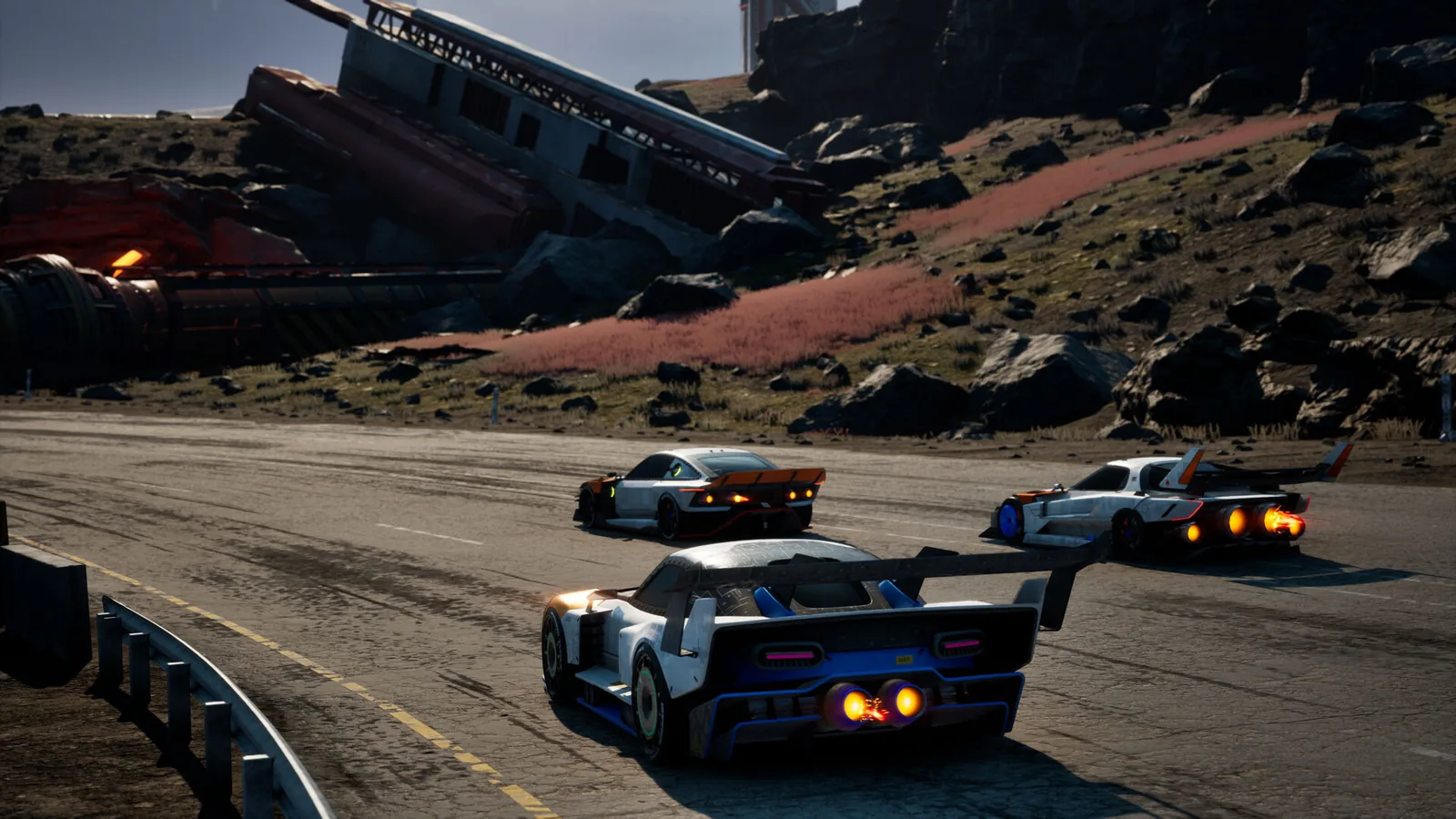
Best Steam Deck settings for Screamer
| Setting | Steam Deck HQ | Status |
|---|---|---|
| Quality preset | Low | 1 source |
| Upscaler | FSR 4 — Quality | 1 source |
| Frame cap | 60 fps | 1 source |
| Result | Mostly 60 fps; brief stutter in the first seconds on some tracks | 1 source |
Steam Deck HQ used Low settings, FSR 4 Quality and the in-game 60 fps cap. These are a documented starting point; the review reports brief stutter at the start of some tracks. If battery matters more than smoothness, a 40 fps cap in SteamOS’s performance menu stretches play time, though no tester has published numbers for that setup yet.
Battery life and temperatures
| Measure | Steam Deck HQ reading |
|---|---|
| Power draw | 21–22 W |
| Battery, Deck OLED | about 2.5 hours |
| Battery, Deck LCD | about 1.5 hours |
| APU temperature | 60–65 °C |
Fix: black or missing cutscenes on Steam Deck
On the review build, Steam Deck HQ saw story cutscenes play as a black screen with audio under Proton 9 and Proton 10. Forcing Proton GE 9-27 restored them. To do that:
- Switch to Desktop Mode and install ProtonUp-Qt from the Discover store.
- Use it to add GE-Proton 9-27, then return to Gaming Mode.
- Open Screamer’s Properties → Compatibility, tick “Force the use of a specific Steam Play compatibility tool” and pick GE-Proton 9-27.
Since the game is Verified on the default Proton, try the stock version first; Milestone’s 23 March 2026 patch notes were the ones that announced Verified status, and later patches may have fixed playback.

Controls, text and one-handed play on Deck
The game shows native Steam Deck button prompts and a controller image of the Deck. The twin-stick layout maps naturally to the Deck’s sticks, and since October 2026 you can switch to Single Stick steering if drifting with the right stick feels cramped on a handheld. Steam Deck HQ found text and menus readable, and the one-handed control scheme works on Deck. Back buttons are handy for Shield and Strike — see the controls guide.
Is Screamer worth playing on Steam Deck?
Yes, if you accept low settings. Races are short — a few minutes each — which suits handheld sessions. If you plan long sessions unplugged, the OLED model’s extra battery makes a real difference.
Questions people ask
Is Screamer Steam Deck Verified?
What are the best Steam Deck settings for Screamer?
How long does the battery last playing Screamer on Steam Deck?
Why are Screamer cutscenes black on Steam Deck?
Sources
Checked 19 Nov 2026. A fact counts as confirmed when two independent sources agree; single-source facts are labelled where they appear.